
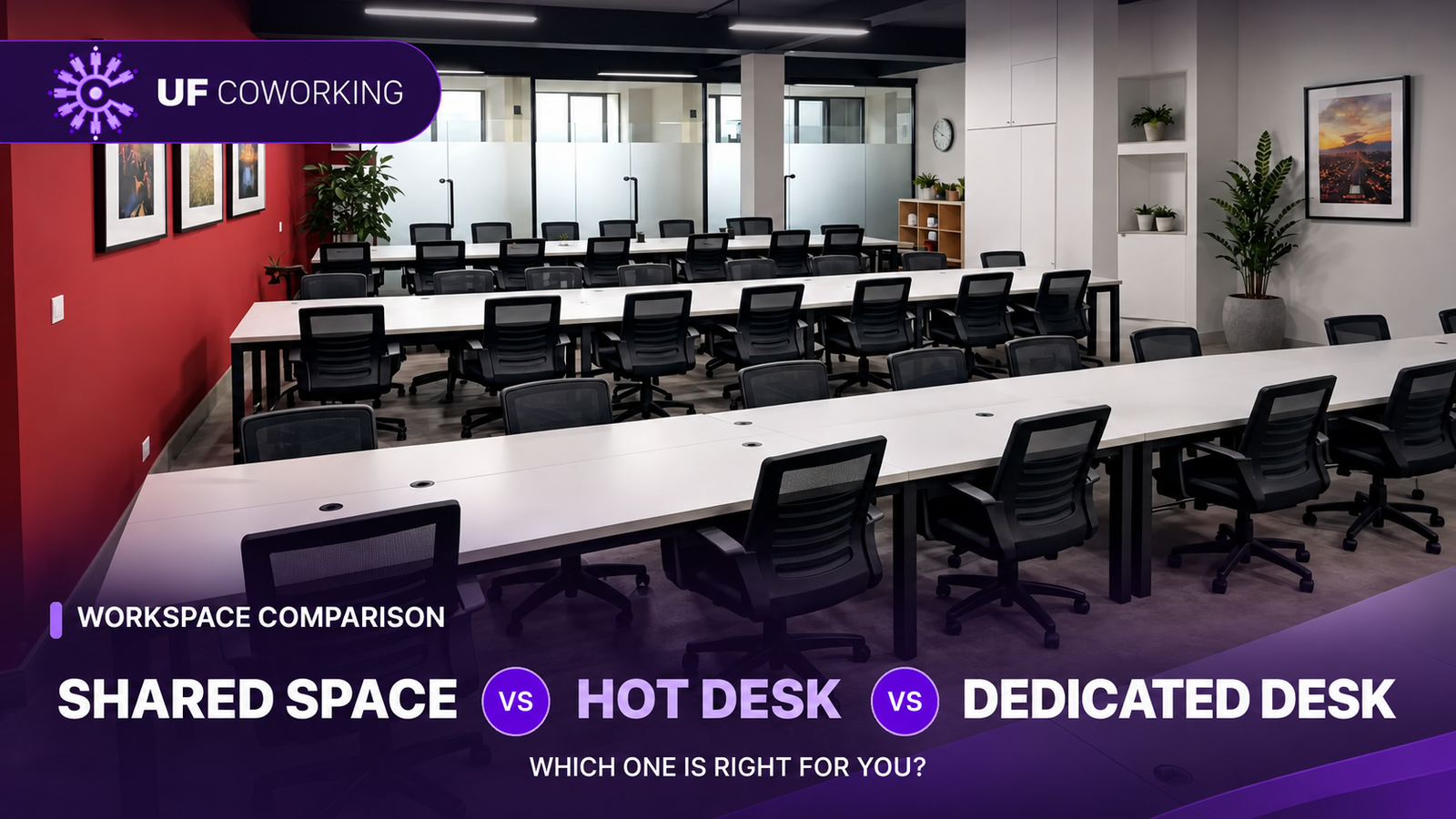
Choosing a coworking space is not just about finding an empty chair and a reliable internet connection. The type of desk you book affects your daily routine, how much equipment you can keep at work, how easily you can take calls, and what you pay each month. If you are comparing a shared space, hot desk and dedicated desk in Rawalpindi, understanding these differences can save you from choosing a membership that does not suit your work.
The short answer: A shared space is an office area used by several members, a hot desk is generally a flexible, non-assigned seat, and a dedicated desk is a fixed workstation reserved for one person. These terms can overlap, however, and coworking providers sometimes use them differently. The most reliable approach is to compare the actual seating rules and package benefits, not just the names.
What Is a Shared Coworking Space?
A shared coworking space is an open or common work area where independent professionals use desks within the same office environment. Unlike renting a traditional office, members usually do not have to arrange their own furniture, internet connection, electricity backup or office maintenance. The space and common facilities are managed by the provider, while each person continues working on their own projects or business.
Shared spaces can suit freelancers, students with professional projects, early-stage entrepreneurs and people who simply need to leave home to concentrate. Working near other professionals may also make it easier to feel part of a working community, although conversation and networking depend on the members and the workplace culture. A shared room does not automatically mean that you must collaborate with everyone around you.
There is one important distinction: “shared workspace” describes the environment, while “hot desk” and “dedicated desk” usually describe who can use a particular seat. A dedicated desk can therefore exist inside a shared workspace. Some coworking businesses also use “Shared Space” as the name of their most affordable membership tier. Always check what that particular plan includes.
What Is a Hot Desk?
A hot desk is normally a workstation that is not permanently assigned to one member. You arrive, choose an available seat under the location’s booking rules, and take your belongings when you leave. This type of arrangement is especially useful if you alternate between home, client sites and an office, or if you work only part of the week from a coworking location.
The main advantage is flexibility. You do not necessarily need the same desk every day, and you can work alongside different people. The disadvantage is that your preferred seat may not always be available. You may also need to carry your keyboard, laptop stand or other equipment with you, and you should not assume a hot desk includes personal storage. The exact access rules depend on your membership.
As an industry reference, WeWork explains hot desking as flexible seating rather than one permanently allocated workstation. However, each provider sets its own terms. Unity Coworking currently lists a “Personal Desk” under its Hot Desk package, so visitors should ask whether this means an assigned seat or simply a desk available during their booked hours. That one question prevents confusion when comparing packages.
What Is a Dedicated Desk?
A dedicated desk is a particular workstation reserved for one member throughout the agreed membership period. Instead of looking for an available desk each time, you return to the same place. This can be useful if you work from the office most weekdays, use an external monitor, or prefer to organize your keyboard, notebook and other work essentials in a consistent setup.
A fixed desk offers more continuity, but it is not a private office. Other members may still be working in the same room, and conversations can still be overheard. For sensitive client discussions, interviews or team meetings, a meeting room or enclosed office may be more appropriate.
At Unity Coworking, the published Dedicated Desk package includes a reserved desk and lockable storage, alongside Wi-Fi, electricity backup and other listed facilities. The website also mentions extended access for dedicated desks, but you should confirm the exact shift, entry arrangements and storage rules before paying for a membership.
Shared Space vs Hot Desk vs Dedicated Desk: Key Differences
| Question | Shared space | Hot desk | Dedicated desk |
|---|---|---|---|
| What does it describe? | A common work area or a provider’s shared-space plan | A flexible seating arrangement | A permanently assigned workstation |
| Is the same desk guaranteed? | Depends on the plan | Usually no | Normally yes |
| Can you leave equipment at your desk? | Do not assume | Usually not | Storage may be available; check the rules |
| Best suited to | Budget-conscious individuals needing a work environment | People with changing schedules and portable setups | Regular office users who want a consistent setup |
| Main consideration | Confirm what your membership actually includes | Check availability and access hours | Check the commitment, storage and privacy limits |
The comparison above describes typical coworking arrangements, not a promise that every provider follows identical policies. Before comparing memberships, ask whether a desk is assigned, how many hours of access are included, and which services cost extra.
Which Workspace Should You Choose for Your Work Routine?
If you work from an office only a few days a week
Start by checking how often you genuinely need a workplace. A person who spends most days visiting clients may not need to pay for a permanent seat that sits unused. A flexible hot desk could make more sense, provided the provider’s membership permits the days and hours you need. A low-cost shared-space plan may also be suitable if the seating and schedule work for you.
If you work at the same location almost every day
A dedicated desk becomes more useful when your routine is predictable. Keeping the same position makes it easier to settle into work, especially if you use a second monitor or spend long hours on detailed tasks. The benefit is not that a fixed desk automatically makes you more productive; it is that you avoid rebuilding your setup or finding a suitable seat every morning.
If your work involves frequent calls or confidential information
Pay attention to the room, not only the desk. Open coworking areas can be practical for everyday work, but they are not designed to provide complete acoustic privacy. If you interview candidates, discuss client finances, handle sensitive information or regularly lead long video meetings, ask about bookable meeting rooms and private offices. Even a dedicated desk in a shared room may not provide the privacy you need.
If you use a laptop, monitor and other equipment
Consider the practical effort of moving your equipment. A laptop-only worker can often adapt to a flexible seat, while a designer, developer or video editor with multiple devices may prefer a consistent workstation. Also check desk width, power sockets, monitor policies and whether the storage provided can safely hold your items. Lockable storage does not necessarily mean expensive equipment is insured.
If you work with overseas clients or unusual hours
Your schedule matters as much as the membership fee. Professionals serving clients in Europe, North America or other time zones may need evening or overnight access. Do not assume that all plans include 24/7 entry simply because a workspace advertises late shifts for some rooms. Ask which hours apply to your exact plan, whether weekends are included, and who can help if you need access outside reception hours.
How Much Difference Does the Membership Price Make?
The right plan is the one that meets your needs at a cost you can maintain. For a real local example, Unity Coworking in Satellite Town, Rawalpindi currently advertises Shared Spaces from PKR 5,500 per month, Hot Desk from PKR 10,000 per month, and Dedicated Desk from PKR 12,500 per month. These are advertised starting rates, not a guarantee of available seats, hours or contract terms.
The difference between the listed Hot Desk and Dedicated Desk prices is PKR 2,500 per month. If you regularly need a reserved seat and lockable storage, that additional amount may be worthwhile. If you only carry a laptop and need a place to work occasionally, paying extra for a fixed workstation could be unnecessary. This is why comparing the benefits matters more than selecting the lowest headline price.
It can help to calculate the cost against your actual expected visits. For example, if your selected plan permits 20 visits per month, a PKR 10,000 membership works out to an illustrative PKR 500 per visit. That is not a daily-pass price; it is simply one way to understand how frequently you would use the monthly membership. Also account for commuting costs, meeting-room fees, printing limits, deposits and applicable taxes where relevant. Confirm all terms before booking.
For the latest package details, see the Unity Coworking Packages page.
Which Desk Works Best for Freelancers, Remote Workers and Teams?
Freelancers getting started: If your main goal is to work without home distractions while protecting your budget, begin by asking about a shared-space membership. Confirm that your working hours and expected activities are permitted. As your client load or equipment needs increase, you can decide whether a hot desk or reserved desk offers enough additional value.
Remote employees and consultants: A hot desk may suit a changing schedule, but test the Wi-Fi and ask where you can take calls before committing. If you join daily stand-ups or discuss sensitive company work, a bookable private room can matter more than whether your usual desk is fixed. Make sure the workspace rules are compatible with your employer’s security requirements.
Designers, editors and developers: A dedicated desk can be practical if you use an external monitor, several accessories or a setup that takes time to arrange. Inspect the furniture and power access during a tour. Workplace health guidance from the UK’s Health and Safety Executive also recommends considering monitor placement, seating and the overall workstation setup rather than judging comfort from appearances alone.
Startup founders and small teams: Several individual desks may work for a small team that mainly needs focused workstations. But if your staff collaborate frequently, discuss confidential projects or hold several calls at once, compare the total price of individual memberships with an enclosed private office. At Unity Coworking, private office options are also listed on the Packages page; availability and seating capacity should be confirmed directly.
Seven Questions to Ask Before Choosing a Coworking Membership
- Is the desk reserved? Ask whether you can expect the same seat or must choose from available workstations each visit.
- What are the exact access hours? Check weekdays, weekends, evening shifts, holidays and any restrictions on entering or leaving.
- What does the monthly fee include? Clarify Wi-Fi, electricity backup, printing, meeting rooms, storage, taxes and any extra charges.
- Can I make calls comfortably? Ask where members take video calls and whether you must book a meeting room for private conversations.
- What can I leave behind? Confirm locker availability, equipment-storage rules and the provider’s liability policy.
- How reliable is the setup for my work? During a tour, check internet performance, plug points, power-backup coverage, noise and chair comfort.
- What happens if my needs change? Ask how upgrades, downgrades, cancellations, seat changes and payment renewals work.
Try to visit during the hours when you would actually work. An office that feels quiet at noon may have a different atmosphere in the evening. Bringing your laptop and asking to see the type of seat you would use can help you make a more confident decision.
Explore Coworking Options in Satellite Town, Rawalpindi
Unity Coworking is located at Unity Films Building, D-801, Satellite Town, near 5th Road, Rawalpindi. The location offers shared workspaces, a Hot Desk membership, Dedicated Desks, private offices and meeting rooms. Advertised facilities include high-speed Wi-Fi, electricity backup and ergonomic furniture, with selected benefits varying by plan.
If you are deciding between the three desk types, start by telling the team how many days you expect to work, which hours you need and whether you require a permanent workstation or lockable storage. You can compare the current workspace packages and contact Unity Coworking to arrange a tour. Seeing the actual working environment is the simplest way to confirm which arrangement suits you.
Frequently Asked Questions
Is a shared coworking space the same as a hot desk?
Not always. “Shared coworking space” usually describes an office environment used by different members, while “hot desk” normally means an unassigned workstation within that environment. A provider may also sell a separate Shared Space plan with its own rules, so check the package description before assuming the terms mean the same thing.
What is the main difference between a hot desk and a dedicated desk?
A hot desk is typically selected from available seats, whereas a dedicated desk is kept for one member. Dedicated desks are generally more suitable for people who want a consistent setup. Hot desks can suit people with portable equipment or changing work schedules. Specific membership hours and benefits vary by provider.
Is a dedicated desk private enough for confidential calls?
Not necessarily. A dedicated desk gives you a fixed workstation but may still be inside an open office shared with other members. For confidential discussions, video interviews or private client meetings, ask about a meeting room or enclosed office rather than relying on a desk assignment for privacy.
Which Unity Coworking membership offers lockable storage?
The current Unity Coworking Packages page lists lockable storage under the Dedicated Desk membership. Ask the team about locker size, permitted items and whether storage remains available outside your booked working hours.
Do shared spaces include Wi-Fi and electricity backup?
Unity Coworking lists high-speed Wi-Fi and electricity backup under its Shared Spaces, Hot Desk and Dedicated Desk plans. The duration and capacity of backup services, as well as any usage restrictions, should be confirmed with the team if uninterrupted connectivity is essential to your job.
Can I use a hot desk every day?
That depends on the membership. Some hot desk plans allow frequent use within defined hours, while others use visit limits, shift rules or reservations. Before joining, confirm your permitted days, hours and seat availability rather than assuming a monthly plan provides unrestricted access.
How can I visit Unity Coworking before booking?
Visit the Contact page to request a tour of the workspace near 5th Road in Satellite Town, Rawalpindi. Ask to view the shared working area and dedicated desk options so you can compare the actual seating, facilities and atmosphere.